
Built for real ECE rooms in Aotearoa and Australia

Learning stories drafted faster, without losing the educator's voice.

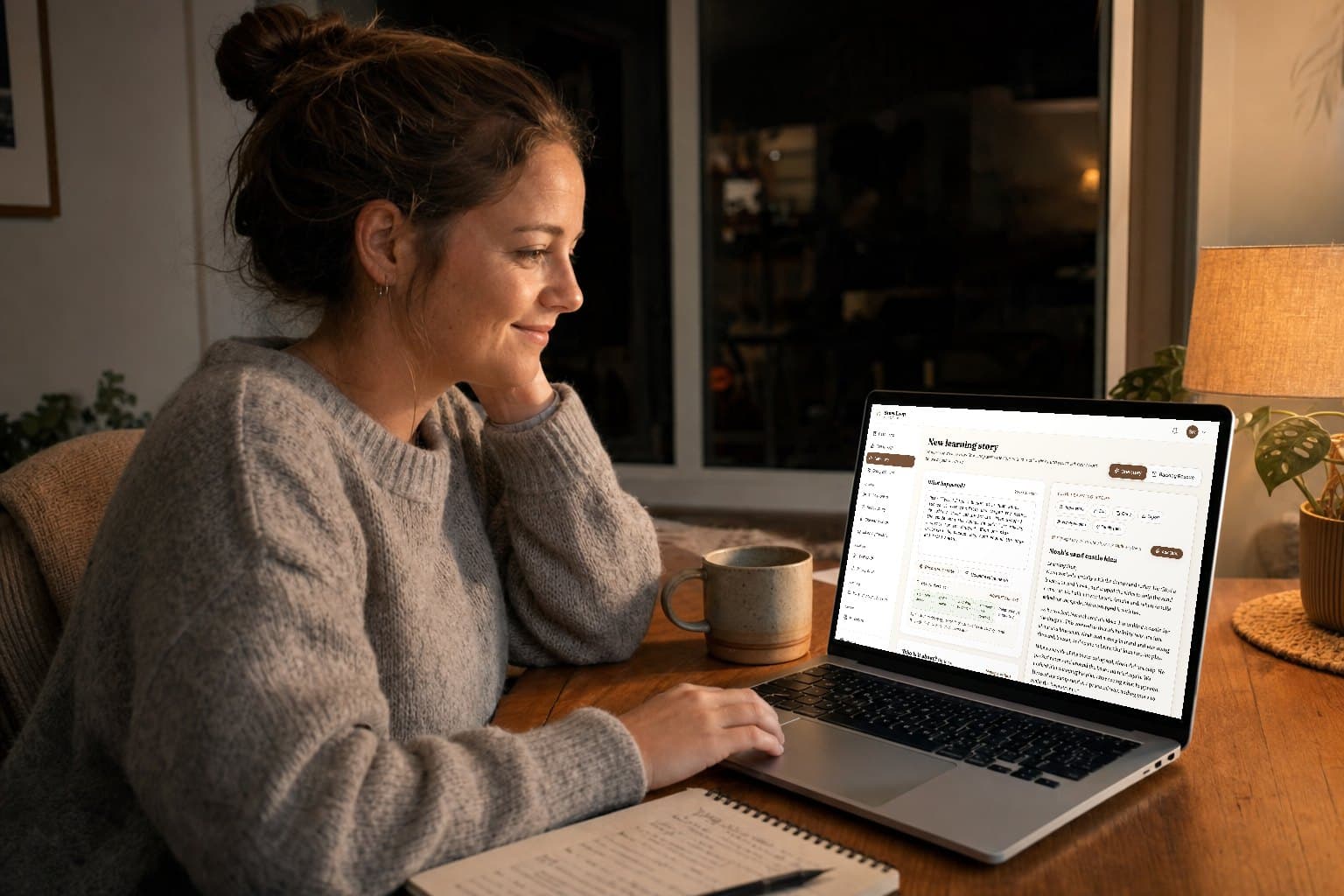
Thumb in half-sentences after block play, record a voice memo beside the sandpit, or paste the note you meant to finish at lunch. StoryLoop turns it into an editable draft; you review every word.

A realistic starting note

“Made the bridge wider after it fell. Said, ‘It needs two blocks.’”

Exact words stay exact. Curriculum links appear only when the observation supports them.

No credit cardTe Whāriki + EYLFWorks on your phone
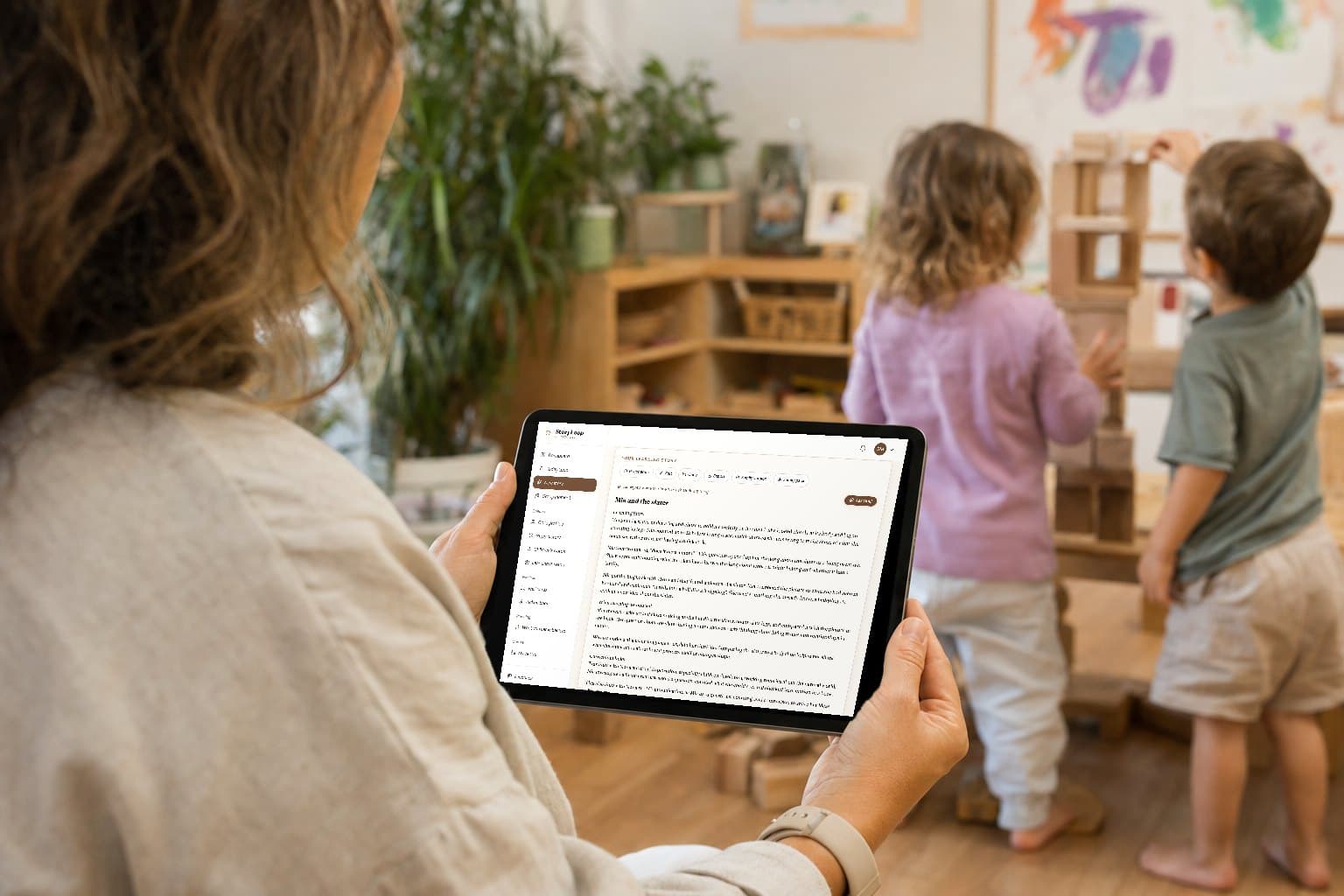
An early childhood educator in a classroom prepared for children's learning

Try it now — no signup needed

See the draft style.

Paste a real observation below and see how StoryLoop turns it into an editable first draft.

A few real details work best — what the child did, said, or tried.

Your learning story will appear here

New · Today Loop

A daily reason to open StoryLoop that is not “write another story.”

Today Loop keeps documentation close to practice without turning the day into data entry. Capture the real moment first. Make the documentation decision later.

10 captured moments a month on Free · unlimited on Educator and above.

Morning

See three useful prompts

Unfinished moments, open next steps, and a child worth making space to notice — never a score or ranking.

No duplicate form

In the room

Capture one real moment

Write what happened in seconds. A child is optional, a photo is never required, and there is no analysis form.

No duplicate form

When there is time

Decide what it deserves

Turn it into a story, hold it for planning, or archive it. The inbox is meant to be cleared, not filled.

No duplicate form
Children and educators exploring a train track together in an early learning room

Evenings back, without losing your voice

From note to story

The blank page is the part we take away.

You are not handed a finished story to rubber stamp. You are handed a solid first draft, grounded in exactly what you wrote, with the curriculum links already mapped, so your job becomes editing rather than inventing.

  • Te Whāriki or EYLF links, with the reasoning
  • Your rough note tidied into real prose
  • Every word yours to change
Children engaged in a learning activity with letter cards

About the real child in front of you

Grounded in what you saw

It never invents a child you were not watching.

A child's quoted words are kept exactly as you wrote them. Nothing is added that your note did not support, and anything uncertain is raised for you to confirm rather than written in as fact. Documentation that makes things up is worse than none.

  • Quotes kept word for word
  • No invented detail, ever
  • Privacy and safety checked on every draft

Product pillars

Educator-led, curriculum-aware, and easy to edit.

Meaningful, not lengthy. Relevant, not repetitive. Child-focused, not generic.

Daily practice

Capture the real moment now, then decide later what deserves a story or planning response.

  • Today LoopA one-screen daily focus drawn from unfinished captures, open next steps, and your own saved history.
  • 20-second moment captureSave one action, quote, attempt, or change without filling out an analysis form.
  • Decision inboxTurn a moment into a story, hold it for planning, or archive it so notes do not become another backlog.
  • Text first by defaultA photo is never required, helping services keep image capture deliberate and policy-led.

Draft faster

Turn a voice note or three bullet points into a usable first draft — never a blank page.

  • Voice or text inputRecord the real moment or type rough notes. Audio upload works if mic recording is unavailable.
  • EYLF & Te Whāriki awareLinks to the right curriculum without policy-speak or treating strands as outcomes.
  • Educator voice controlsNatural, warm, professional, or simple tone, plus concise, balanced, or detailed depth.
  • Sounds like an educatorGrounded, not robotic — a draft you can recognise and edit in minutes.
  • Editable historyEvery story stays saved to edit, copy, export, and regenerate from the original note.

Trust & quality

Every draft is checked for evidence, privacy, and curriculum fit — with you as the final word.

  • Story quality checkReviews tone, evidence, curriculum fit, invented-detail risk, and next steps before you edit.
  • Privacy + Evidence GuardianFlags sensitive details, diagnosis-style language, unsupported certainty, and identifiers.
  • Observation CoachAsks for missing child voice, response, or next-step detail so the output is less generic.
  • Draft integrity lensSee the evidence, assumptions, educator checks, and family question behind each draft.
  • Human review gateAn educator-led check for evidence, child voice, curriculum fit, culture, and privacy before sharing.
  • Privacy firstYour observations are never used to train AI models. Data is access-controlled and secure.

Family partnership

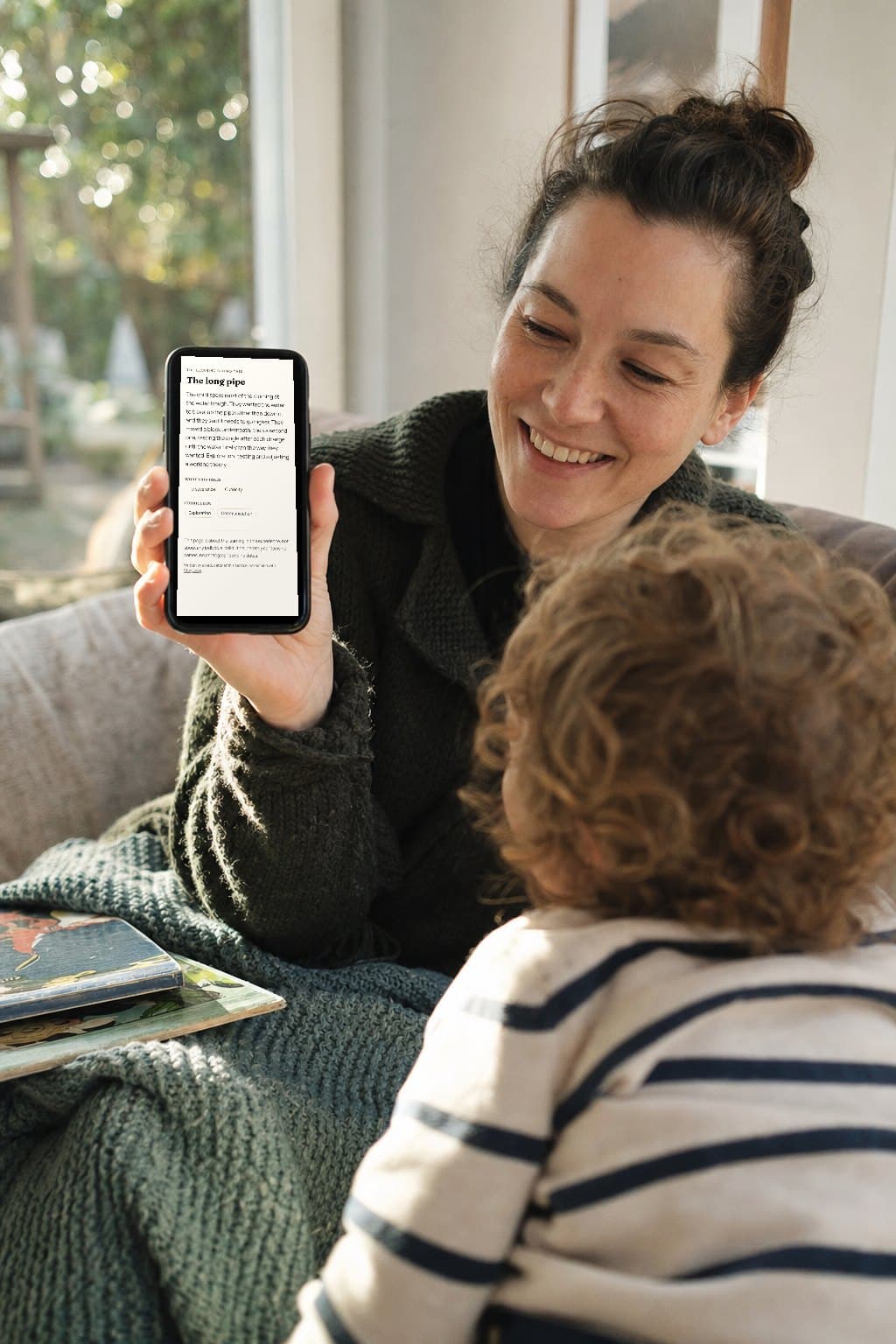
Share the learning with whānau in their words, without rewriting the whole story.

  • Parent-friendly versionA shorter, warmer version for families while the educator draft stays intact.
  • Translation + readabilityPlain-English updates and optional translation packs with a clear teacher review note.
  • Family Connection PackA family message, home question, photo caption, handover note, and teacher check from one story.
  • Whānau voice bridgeBring home knowledge, aspirations, language, and replies back into the next learning story.

Continuity & insight

See learning across a child's stories, not just one moment in isolation.

  • Child continuity profilesSave interests, languages, and whānau aspirations so future drafts connect learning over time.
  • Learning threadsNotice recurring dispositions, curriculum patterns, and follow-up opportunities across stories.
  • Curriculum compassEYLF outcomes or Te Whāriki strands surfaced per child — no ranking, scoring, or data points.
  • Next-step response loopTrack which response ideas were planned, tried, or worth continuing.
  • Backlog RescuePaste a week of rough notes and sort full stories from short updates and combined notes.

Centre & leadership

Roll out a consistent documentation rhythm across rooms — without surveillance.

  • Centre Voice MemorySave centre philosophy, liked phrases, and words to avoid so drafts stay on-voice.
  • Centre Quality CalibrationSet wording rules, privacy rules, export style, and approved examples for the team.
  • Room Planning BriefTurn recent stories into emerging interests, environment setups, and team questions.
  • Documentation RadarSee children needing a fresh observation, open response ideas, and unreviewed stories.
  • Director ROI dashboardStories created, time saved, backlog cleared, and review health — without ranking educators.
  • Export packsCopy-ready Storypark, Educa, Kinderloop, and Brightwheel formats from the same story.

Built with educator feedback

Not here to replace your judgement — here to end the blank page.

StoryLoop keeps improving with real centre practice in mind. The aim is to clear the documentation backlog and support stronger first drafts, while your observation, interpretation, and final voice stay at the centre.

Built around real ECE practice

The goal is not more documentation. It is better decisions with less rework.

StoryLoop sits beside the system your service already uses. It helps educators capture, draft, review, plan and export; it does not claim to replace attendance, incident, consent, or regulatory records.

The workload problem

More child-facing time, less duplicate documentation.

Australian research reported educators spending under 30% of their day in focused interaction with children, alongside substantial unpaid work. StoryLoop is designed to remove blank-page and re-entry work, not create another compulsory daily sheet.

University of Sydney, 2025

Aotearoa New Zealand

Useful assessment can be documented or undocumented.

Te Whāriki guidance describes noticing, recognising, responding, recording and revisiting, with formal and informal assessment and whānau partnership. Today Loop supports that cycle without pretending every moment needs a polished story.

New Zealand Ministry of Education

Australia

Text-first capture helps keep devices and images deliberate.

National child-safety changes require clearer policies for taking, using, storing and destroying images, including authorised-device expectations. Today Loop never requires a photo and StoryLoop does not replace your service's incident, consent or records process.

ACECQA National Model Code

How it works

From observation to editable draft without losing your voice.

01

Capture the moment

Voice record what happened after play, or type 3-5 quick bullets. No formal structure needed.

02

StoryLoop shapes it

StoryLoop turns rough notes into a first draft with curriculum links, dispositions, and practical next steps.

03

Review with a human checkpoint

Check evidence, curriculum fit, child voice, culture, and privacy before sharing.

04

Close the learning loop

Track which next steps were planned or tried, capture whānau voice, then continue from the earlier story.

05

Copy, export, or revisit

Move the edited story into your usual system, or keep building the child's learning thread in StoryLoop.

Who it is for

Built for the people actually on the floor.

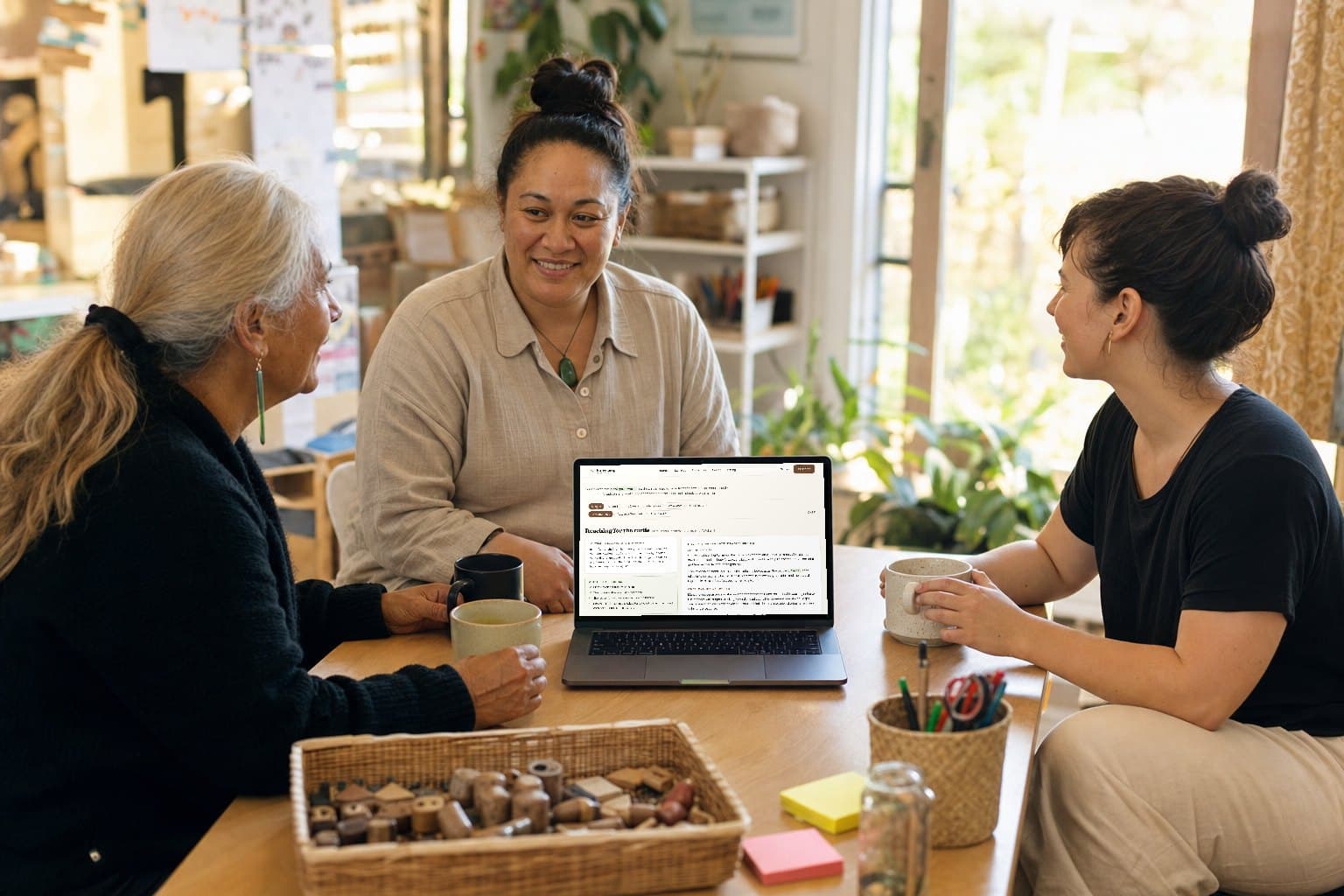
Not for administrators who never meet the children. For the educators doing the documentation, whoever you are.

Home based educators

You are the teacher, the cook, the cleaner and the administrator. Documentation is the thing that slips to the evening. StoryLoop turns the notes you already make into finished stories, so the evening stays yours.

Centre teams

Everyone documents differently and the quality wanders. StoryLoop gives your team a consistent starting point that still sounds like each educator, and exports cleanly into Storypark, Educa, Kinderloop or Brightwheel.

Relievers and part timers

You move between rooms and centres and rarely know a child for long. A quick note about one real moment becomes a proper learning story you can hand over with confidence.

Real examples

Stories educators are actually proud to publish.

Real inputs, grounded outputs, and language that feels closer to the floor than a content generator.

Educator note

2 years

Sienna (2yo) watered plants with watering can. Talked about worms. Filled & refilled can 6 times.

🇦🇺 EYLF

StoryLoop draft

Sienna spent a long time in the garden today, carrying the watering can backwards and forwards to the tap and filling it again and again. She noticed the worms in the damp soil and stopped to look closely before going back to watering. Sienna stayed with this job for a long stretch of time and showed real care for the plants and the space around her.

What this learning shows

Sienna is building persistence, curiosity, and a growing sense of responsibility for the environment.

Linked curriculum

EYLF Outcome 2 — Children are connected with and contribute to their world, particularly showing care for the environment through repeated watering and close noticing.

Where to next

Offer magnifying glasses for closer worm observation and invite Sienna to help with planting so she can keep following this interest.

Educator note

4 years

Marcus (4) building blocks, got frustrated when tower fell. Took deep breath, tried again. Proud when it stood.

🇦🇺 EYLF

StoryLoop draft

Marcus was building a tall block tower today when it fell over. He looked frustrated, paused, took a deep breath, and started again. Marcus stayed with the challenge until the tower stood, then proudly said, "I did it by myself."

What this learning shows

Marcus is strengthening self-regulation, persistence, and confidence when things do not go to plan.

Linked curriculum

EYLF Outcome 3 — Children have a strong sense of wellbeing, and Outcome 4 — Children are confident and involved learners, as Marcus used a calming strategy and stayed with the challenge.

Where to next

Notice the strategy Marcus used, name it with him, and offer more chances to practise managing frustration in play.

Educator note

Toddler

Whole group story time in Aotearoa. Emma pointed at duck in book, said 'quack'. Smiled when other tamariki joined in.

🇳🇿 Te Whāriki

StoryLoop draft

During story time today, Emma pointed to the duck in the book and said "quack" as the other tamariki watched and joined in. She smiled when the group repeated the sound with her and stayed engaged in the shared reading.

What this learning shows

Emma is growing confidence as a communicator and is using shared group moments to connect language with meaning.

Linked curriculum

This links with Mana reo | Communication, particularly using gesture, sound, and shared story language to express meaning. It also connects with Mana tangata | Contribution as Emma joined a group moment and saw other tamariki respond.

Where to next

Revisit animal sound books, keep using shared waiata and story prompts, and share this language moment with whānau.

Straight answers

The questions educators actually ask us.

Documentation is professional work about real children. If you are cautious about where AI fits in that, you should be. Here is exactly where it fits, and where it does not.

Does it replace my professional judgement?

No. StoryLoop writes the first draft; you decide what is true. Every story arrives with the checks an educator should confirm before sharing, and nothing is published anywhere by us.

Will it put words in the child's mouth?

Never. A child's quoted words are kept exactly as you wrote them, spelling and all, because how a two-year-old actually said it is the evidence. If you did not record a quote, the story does not invent one.

Will it make things up that I did not see?

Interpretation is allowed; invention is not. Drafts stay anchored to your observation, and anything the note does not support is raised as an assumption for you to confirm rather than written in as fact.

What about privacy and difficult moments?

Every draft is scanned before you see it. Diagnosis language, other children's identifying details, sensitive family information, and physical safety incidents are flagged for your review against your own centre's process.

Will every story sound the same?

They are written to read one of a kind. Run the same note twice and you get two genuinely different stories, because a folder of near-identical documentation helps nobody.

Am I locked in?

No. Your stories stay yours, editable and exportable into the format your centre already uses. Cancel whenever you like and everything you have written stays in your account.

The fastest way to judge it is to paste one real observation and read what comes back.

No credit card. Cancel any time.

Simple, fair pricing

Pay less than one lunch break of saved time.

Start with a simple draft, then review and tweak it before it goes anywhere.

Free

$0

3 stories/month

For trying the educator-led workflow on real observations without pressure.

  • 3 learning stories per month
  • Today Loop (10 captured moments/month)
  • Basic story quality guard
  • Basic privacy and evidence check
  • EYLF or Te Whāriki links
  • Editable history
  • Basic text export
  • Limited voice-note trial
  • No credit card required

Built for

Curious educators validating the writing style before changing habits.

  • Try the workflow before changing centre routines
Start free
MOST POPULAR

Educator

$19AUD/month

Unlimited stories

For individual teachers who want documentation to stop stealing evenings.

  • Unlimited learning stories
  • Today Loop, unlimited captured moments
  • Quill writing assistant (15 refines/month)
  • Voice notes and uploads
  • Observation Coach prompts
  • Family Connection Pack
  • Export packs for Storypark, Educa, Kinderloop, Brightwheel
  • Backlog Rescue
  • Learning threads
  • Basic privacy guard
  • Personal centre voice memory

Built for

Individual educators who need fast drafts, family-ready outputs, and export formats.

  • Clear a documentation backlog without writing every note from scratch
Start 7-day trial

Educator Pro

$29AUD/month

Unlimited stories + advanced loop tools

For serious individual educators who want the family and continuity loop.

  • Everything in Educator
  • Quill writing assistant, unlimited
  • Family Reply Loop
  • Parent-friendly translation and readability
  • Advanced quality score details
  • Child continuity profiles
  • Whānau voice carried into future stories
  • Priority educator support

Built for

Educators who want stronger family partnership, translation support, and deeper review.

  • Turn family replies into useful context for the next story
Start 7-day trial

Centre Starter

$99AUD/month

per centre/month

Centre rollout tools

For small centres that want a consistent, visible documentation rhythm.

  • Everything in Educator Pro
  • Centre Quality Calibration
  • Shared centre voice guidance
  • Planning Board from stories
  • Documentation Radar
  • Admin oversight signals
  • Priority support

Built for

Directors and room leaders rolling StoryLoop into a small team.

  • Spot emerging interests across several stories
Start centre trial

Centre Growth

$199AUD/month

per centre/month

Growth analytics + centre rollout

For larger or scaling services that need director-level visibility and ROI proof.

  • Everything in Centre Starter
  • Director ROI Dashboard
  • Multi-room planning analytics
  • Advanced export settings
  • Rollout health signals
  • Onboarding support
  • Priority roadmap feedback

Built for

Owners, directors, and multi-room services needing rollout visibility.

  • Show time saved and backlog cleared to justify the subscription
Start growth trial

All prices GST inclusive · Cancel anytime · Own your data

Questions

Everything educators ask.

What is StoryLoop?+

StoryLoop is an early childhood documentation tool that turns real educator observations, voice notes, or bullet points into polished, editable learning story drafts — written in a natural educator voice, not generic AI phrasing.

Does StoryLoop replace educator thinking?+

No. StoryLoop supports drafting and structure, while educators remain responsible for observation, interpretation, reflection and final editing.

Can I edit the generated stories?+

Yes. You can edit a generated story, save changes, copy it, export it, and regenerate from the original observation using a different tone, depth, or curriculum mode.

Does it support Te Whāriki?+

Yes. New Zealand mode supports Te Whāriki strands, learning outcome ideas, dispositions, child voice, responding, and optional Kōwhiti Whakapae or Tapasā lenses when relevant.

Does it support EYLF?+

Yes. Australia mode supports EYLF V2.0 learning outcomes and keeps links grounded in what the educator actually observed.

Can I use voice notes?+

Yes. Supported browsers can request microphone access for live recording. If live recording is blocked or unavailable, you can still type bullet points or upload an audio file.

How many stories are free?+

The free plan includes 3 stories per month. Upgrade prompts are dismissible, and existing story history stays available even if the limit is reached.

What is Today Loop?+

Today Loop is a lightweight daily observation inbox. It surfaces up to three prompts from your own unfinished moments, next steps, and story history, then lets you capture a real moment and decide later whether it needs a story, planning response, or archive.

Do I need to write a learning story every day?+

No. StoryLoop is designed around educator judgement. A captured moment can become a story, be held for planning, or be archived; not every observation needs formal documentation.

Is it suitable for new educators?+

Yes. It helps new educators see how observation, learning, curriculum, dispositions, and responding can fit together, while still requiring educator review.

Is it suitable for experienced educators?+

Yes. Experienced educators can use it to speed up the first draft and then add their own local context, professional judgement, and final wording.

Does it create generic AI stories?+

No. StoryLoop grounds every claim in the observation, cleans rough notes into real prose, keeps each reflection specific to the child, and links curriculum only when the evidence supports it — so drafts read like a thoughtful educator wrote them.

What about child privacy? Is my data safe?+

Your observations are not used to train AI models. Data is stored securely and access-controlled. Educators should still avoid unnecessary identifying details in notes.

Does StoryLoop replace Storypark or my centre management system?+

Not by default. StoryLoop specialises in observation capture, educator-led drafting, review, planning signals, family-ready versions, and export. It does not claim to replace attendance, incident, consent, billing, or regulatory record systems.

Keep your learning story backlog under control.

Start with a usable first draft, then add your educator judgement before sharing. Try your first 3 stories free.

Start free

3 free stories · No credit card · Editable drafts